
Scout — Reads Before Anyone Writes
Pulls 28 days of Search Console data and ranks what is worth touching: pages with impressions and no clicks, queries stuck at position 5 to 20, pages of yours competing for the same query.
Read the data, propose one change, wait for your approval, write it, check Google saw it — and come back weeks later to say whether it worked.

 After
After 

Pulls 28 days of Search Console data and ranks what is worth touching: pages with impressions and no clicks, queries stuck at position 5 to 20, pages of yours competing for the same query.
Builds a verified profile of a sector with live web research, then writes from it — the pages come as one proposal, and a page too similar to one you already have is refused with the number that says how similar.
A title, a meta description, or an internal link wrapped around words the page already contains. It reads the page from your CMS, never the rendered version — menus and footers are not content.

Builds an inventory from your sitemap, inspects each URL with Google’s own API within the daily quota, and queues what is missing. It stops on its own when there is nothing left worth submitting.
Not an agent — arithmetic. The same 28-day window before and after every change, a verdict that admits when there is too little traffic to say, and a flag when someone else edited the page in the meantime.
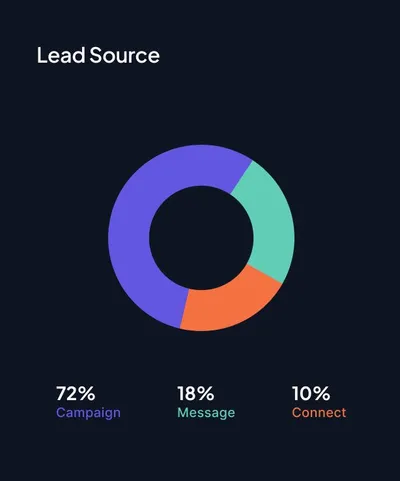
How many things you shipped is not the question. Which of them moved the numbers is — broken down by the kind of change, so next week’s work is chosen and not guessed.
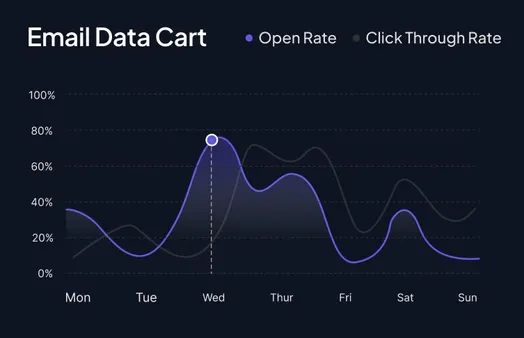
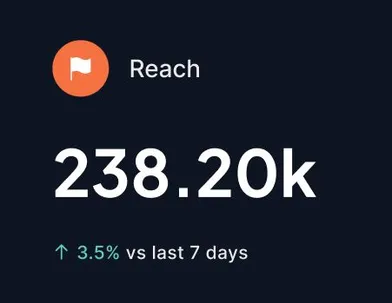

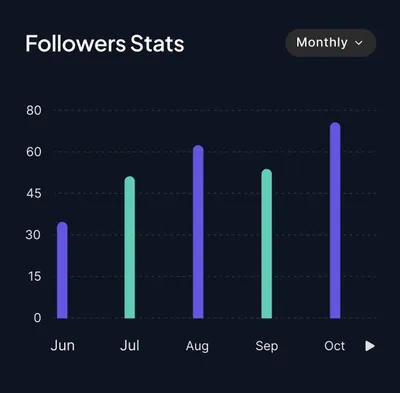
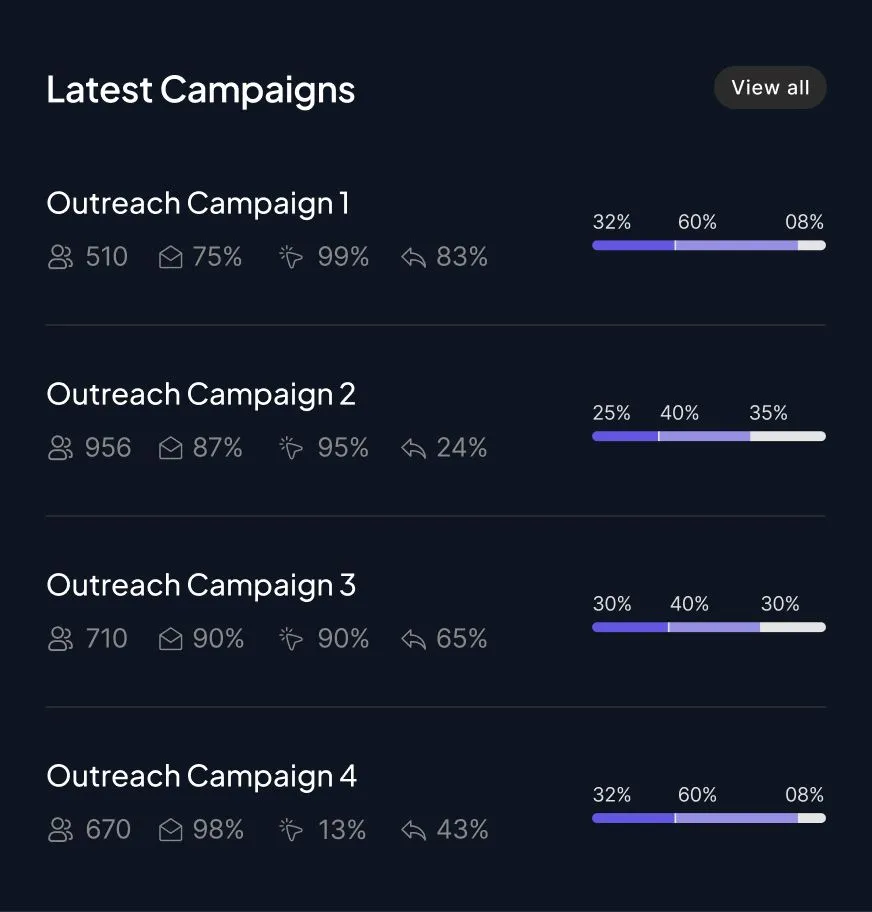
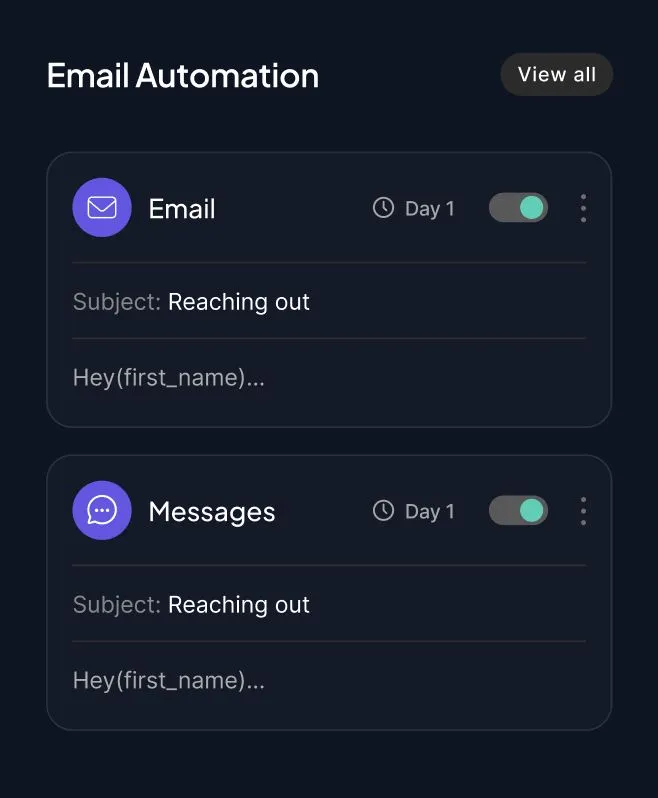

Every write takes a snapshot first and publishes the single item, never the whole site. On a multilingual site it writes to the locale the page is actually in, read from the page itself.
Text is cheap. Knowing whether it helped, and stopping when it didn’t, is the part nobody does.
Climbr proposes; you approve. There is no mode where it writes to your site on its own — the review step is in the code path, not in a preference you could turn off by accident.
Too little traffic to tell, position moved too far to attribute, someone else edited the page: all of these are recorded instead of being rounded into a win. A measure that always answers is a measure nobody should trust.
Not “we submitted it” — whether Google actually indexed it, asked page by page with Google’s own API, and the answer kept next to the URL.
Below the threshold written before the numbers came in, Climbr stops opening new work. That is the part that a person, doing this by hand, never does in time.
Start with a free Scout scan of your site — no credit card required. See what the four agents find before you decide anything.